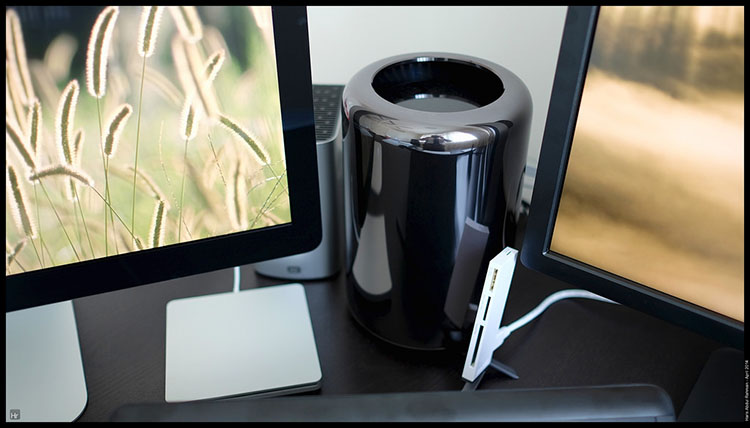
My current main desktop system was a 4 year-old iMac 23-inch, running Mountain Lion since it was the only OS which can connect to my P1 dongle for internet connection. Not ideal, but that was the best I could do in Gombak.
At the apartment, I have a 30Mb fibre connection and it seemed that all the bandwidth being utilised only on iPad and Mac Book was rather a waste. I decided to get a new desktop permanently stationed at the apartment. I thought about a new iMac, but I decided to go a step further than that. A system which could easily last me for another 4 years.
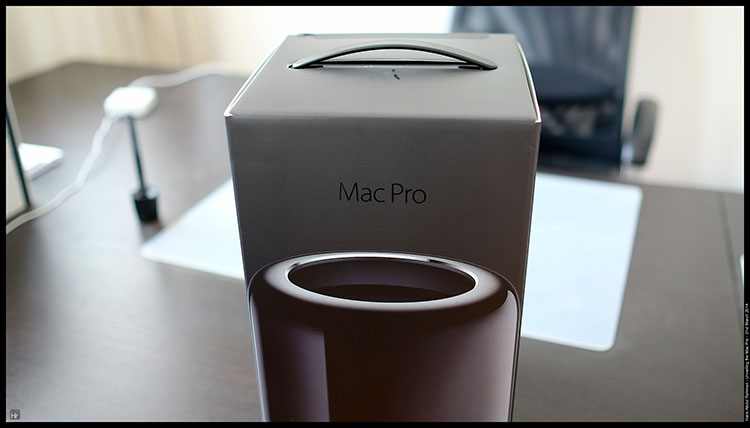
Walla, I ordered the Mac Pro and I received the delivery last week. I spent the time since then tweaking the peripherals and decided on which monitor to use. The main one was easy, I also ordered an Apple Thunderbolt display which also served as the main speakers, camera and microphone. I got a second similar-sized monitor from Dell. And I also installed a third monitor in the form of a Wacom Cintiq tablet. That provide touch interface for photo editing as well as an input mode for the whole system if needed. The dual graphics card system sorted the resolution out with minimal effort.
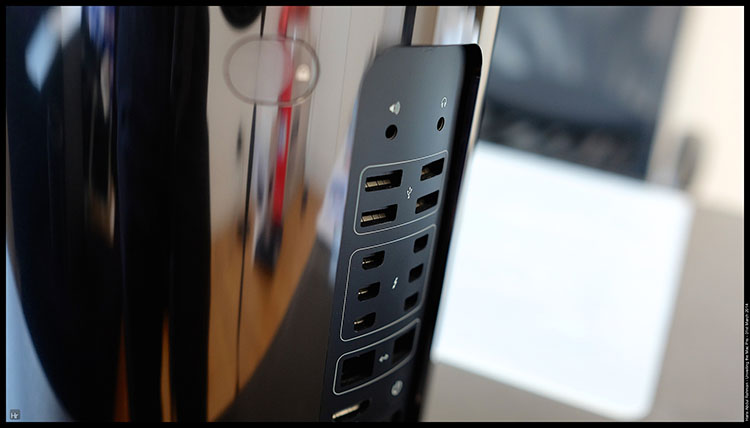
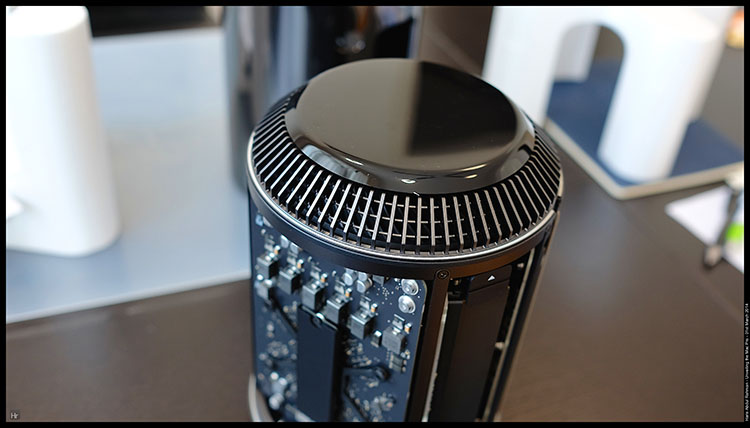
I also installed Parallels for running Windows 7 concurrently. No issues. I could run Windows on one screen while keeping Mavericks on the other monitor. And I was able to play games at maximum resolution and setting on the Windows part.
I also bought a Thunderbolt WD external hard drive connected to the Mac Pro. The on board SSD was only 256 Gb, hence I save space by using the external drive for my Aperture and iPhoto library. The 10Gb/sec transfer time meant that there was no lag even when I opened the photo for editing on Photoshop. I decided against wifi storage mainly for speed. When I have time, I might dabble into video editing - in 4K maybe.
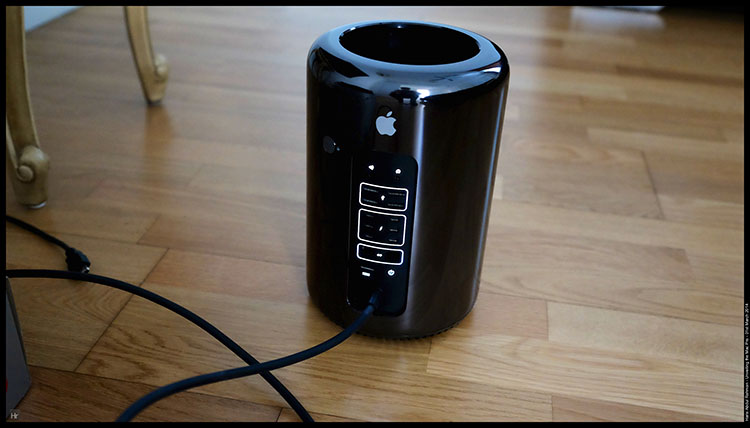
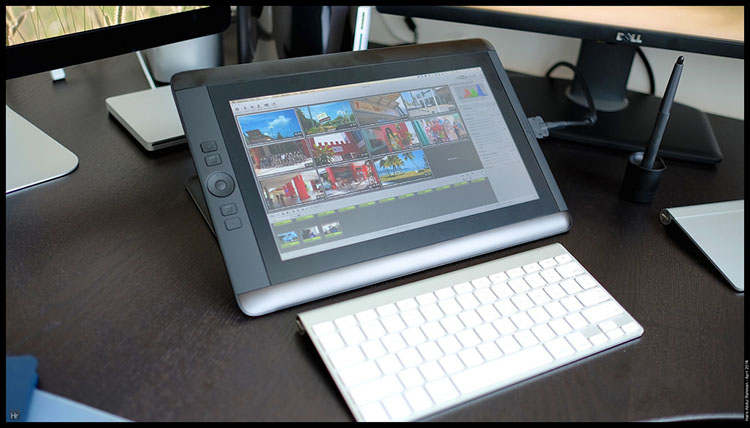
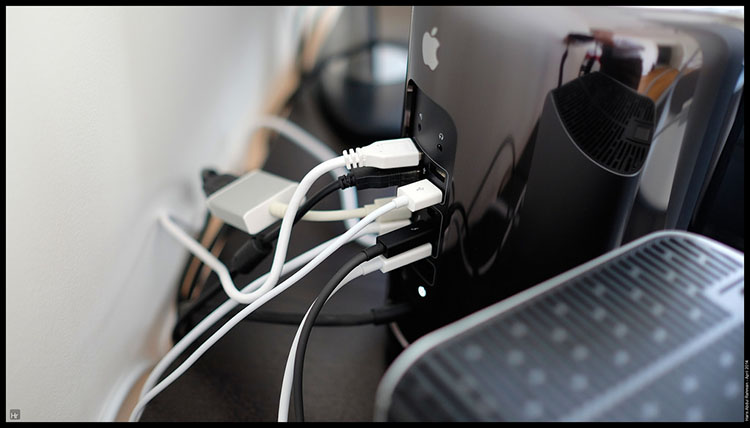
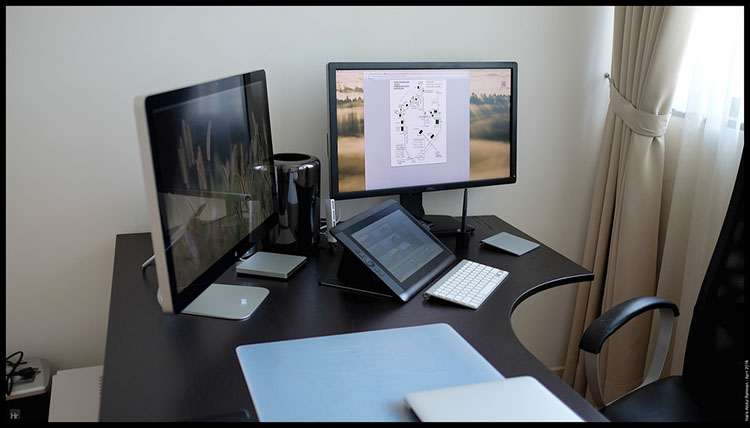
A lot to discover still with the new system and it would take a while before I realise the real potential, as only a handful of the current crop of apps were able to utilise more than couple of processor cores, 64 bit operation and dual graphic processor. The system was no slouch ….
So far, I have yet to encounter any hardware issues with the system. I might add on more memories to the system in the future, but that would be about it.



 Monday, June 30, 2014 at 1:11PM

The Track
I had still to use my Fenix 2 for fitness. With the combination of busy days and hazy weather, I had yet to take the watch out for a spin.
Maybe I would be using it a lot more when I walk in Penang. With my camera of course. Hopefully the weather there would be nice ....
So, once the watch record the walk, the data would be uploaded into the cloud and could later be shared using a GPX file format. That way, you could open it in Google Earth, or in this case, an app called ConnectStat. You can then track your activity at the click of a button.